
KEY FACTS
- STATUS
- Available now
- PLAN
- Pro, €80 a month
- SYNCS
- Your pieces, with photos, titles, descriptions and prices. Changes in KANDINSKY, such as a new price or a sold piece, update the catalogue.
- YOU NEED
- A Pinterest Business account with the same currency as KANDINSKY.
- BEST FOR
- Dealers whose customers look for interiors and decor ideas.
HOW IT WORKS
How do I connect Pinterest?
In 5 steps:
- Create or sign in to your Pinterest Business account.
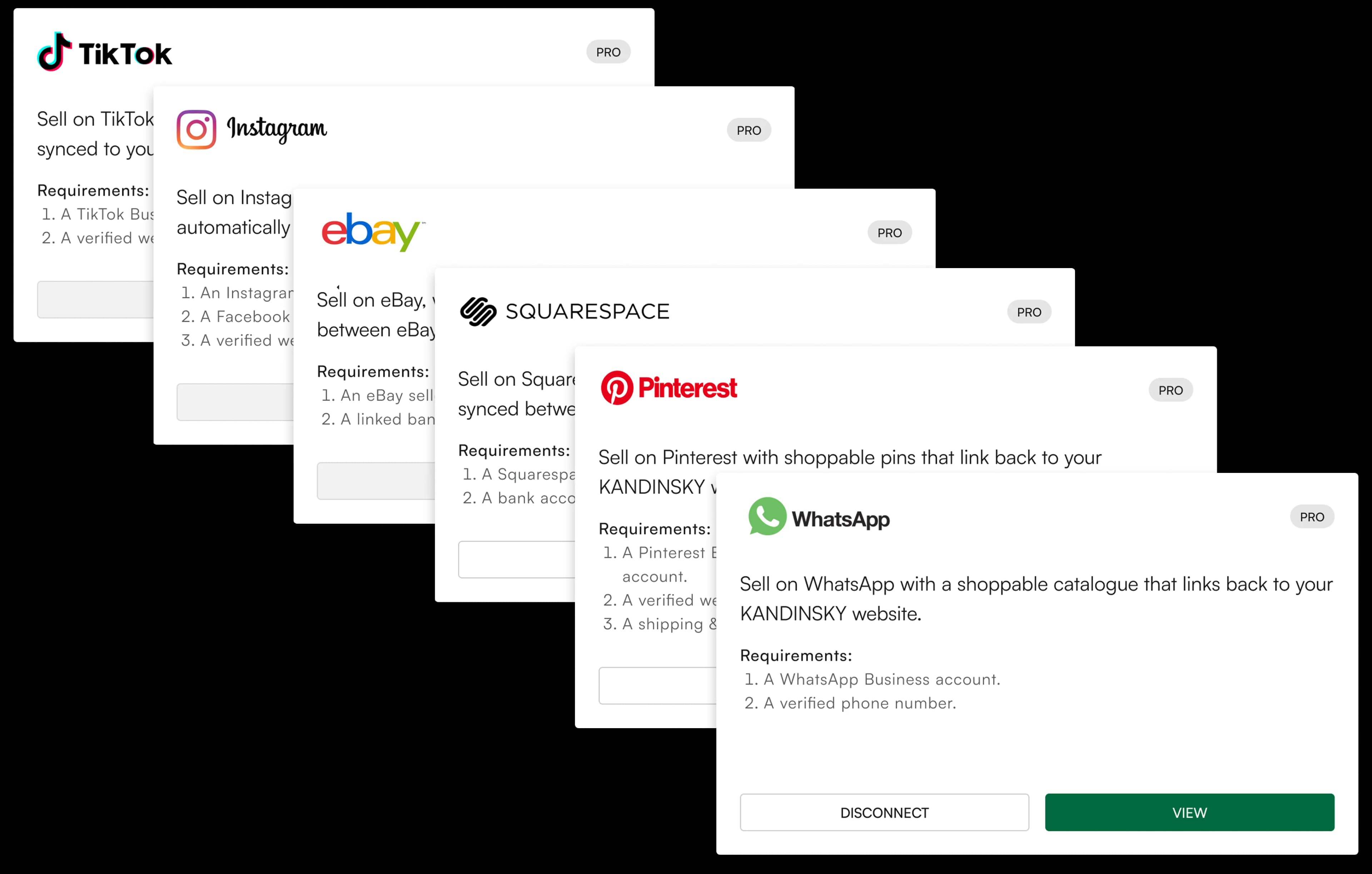
- In KANDINSKY, open SELL, then the CHANNELS tab, and press CONNECT on the Pinterest card.
- Sign in to Pinterest when asked and approve the connection.
- Follow the catalogue set-up steps shown in KANDINSKY, so Pinterest can read your pieces.
- Pinterest turns each piece into a product Pin that links to the piece on your KANDINSKY website.
WHAT SYNCS
What stays in sync?
- Your pieces, with photos, titles, descriptions and prices.
- Changes in KANDINSKY, such as a new price or a sold piece, update the catalogue.
BEFORE YOU START
What do I need?
- A Pinterest Business account with the same currency as KANDINSKY.
LIMITS
What are the limits?
- Customers buy on your KANDINSKY website, not inside Pinterest.
- Pinterest reviews catalogues and decides where Pins are shown.
- Integrations are part of the Pro plan (€80 a month), as listed on the pricing page.
FAQ
What else do dealers ask?
- Why must my Pinterest currency match KANDINSKY?
- Pinterest reads prices from the catalogue in one currency. If the currencies differ, prices would show wrongly, so KANDINSKY asks for the same currency.
SOURCES
Where does this information come from?
KANDINSKY's details come from its pricing page and the app. Claims about Pinterest come from its own help pages:
MORE